
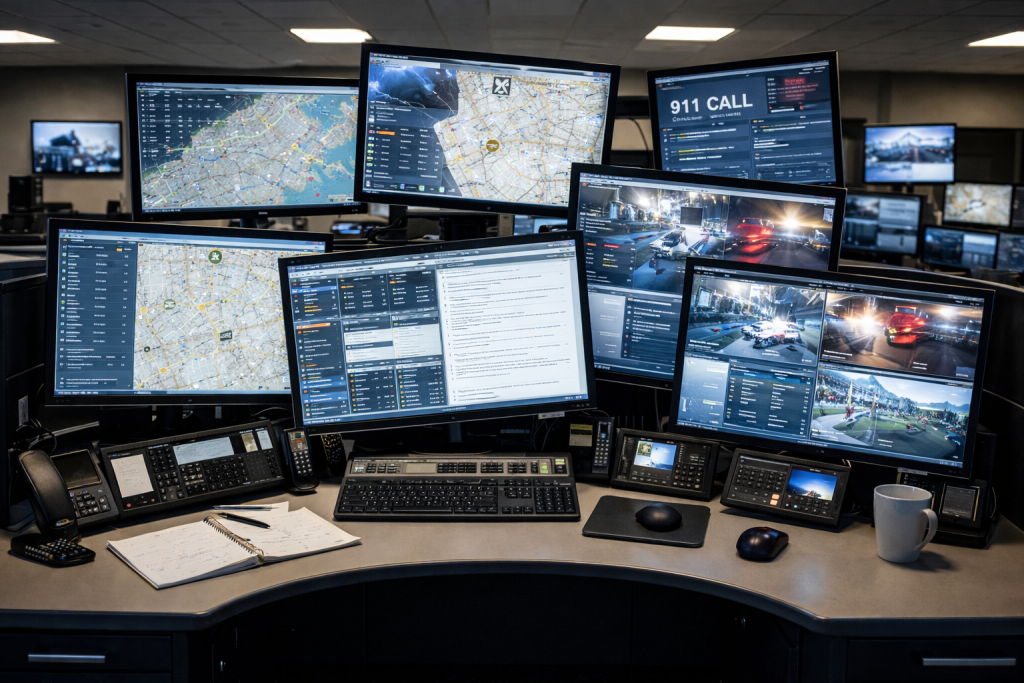
The Problem: Multi-Monitor Setups Get Complicated Quickly
Multi-monitor workstations are becoming standard in many environments.
From dual screens to full arrays, they allow users to:
- view more information
- improve workflow efficiency
- manage complex tasks more effectively
But as the number of monitors increases, so does the complexity of the setup.
Many environments rely on individual mounts for each screen, which can lead to:
- inconsistent monitor alignment
- varying heights and spacing
- cluttered mounting solutions
- difficulty maintaining a clean, organized layout
What starts as a simple setup can quickly become difficult to manage at scale.
Why It Matters: Consistency and Usability
In multi-monitor environments, consistency is critical.
When monitors are not aligned properly, users may experience:
- unnecessary head and eye movement
- reduced efficiency
- inconsistent working positions
In larger environments, these issues are often multiplied across dozens or even hundreds of workstations.
Maintaining both usability and consistency becomes a significant challenge.
The Challenge: Supporting Scale Without Losing Flexibility
Organizations often need to support a wide range of configurations, including:
- single-tier monitor setups
- dual-tier arrangements
- three-tier arrays
- varying workstation sizes and layouts
At the same time, each user may have slightly different requirements for:
- monitor positioning
- reach
- viewing angles
This creates a balance that is difficult to achieve with traditional mounting solutions.
A Better Approach: Structure First, Then Flexibility
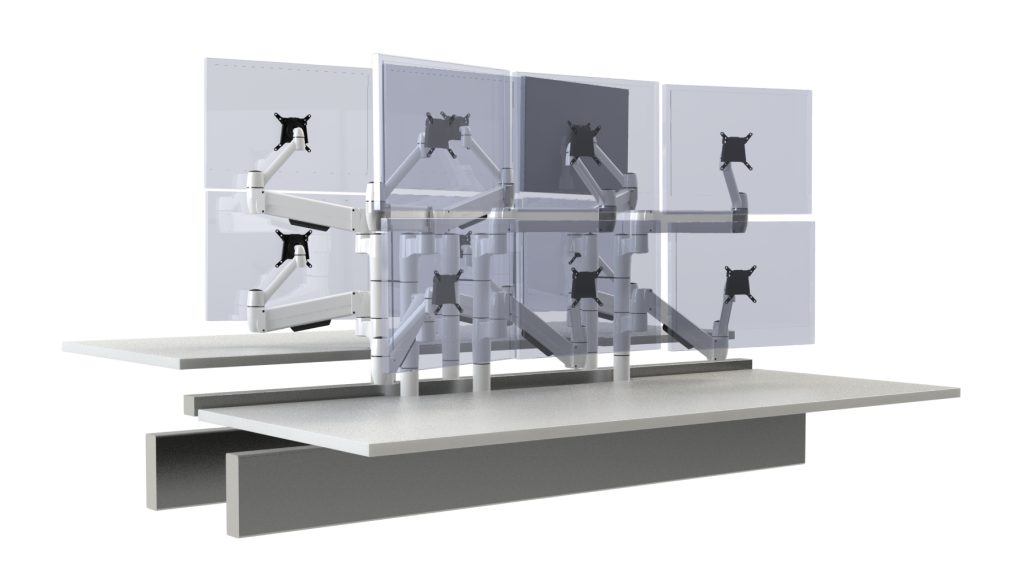
A more effective way to design multi-monitor environments is to separate structure from flexibility.
A central beam system provides the structure needed to support multiple monitors in a clean and organized way.
This creates:
- consistent alignment across the workspace
- a stable foundation for larger arrays
- a cleaner, more scalable setup
From there, flexibility can be introduced at the individual monitor level.
Example Solution: SpaceBeam II with SpaceArm
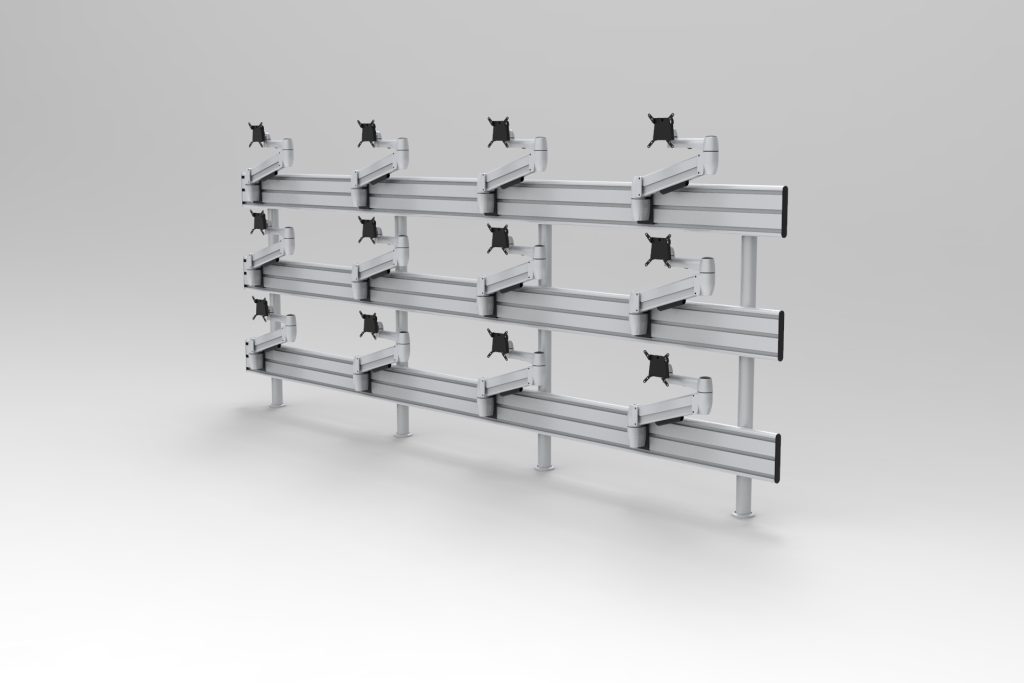
The SpaceBeam II system is designed to support multi-monitor arrays of any size.
It provides a central beam that allows monitors to be arranged in:
- single-tier configurations
- two-tier setups
- three-tier arrays
What makes the system unique is how it integrates with the SpaceArm platform.
Each monitor can be mounted using an adjustable arm, allowing for:
- customized reach
- independent articulation
- precise positioning for each screen
This means that while the overall structure remains consistent, each monitor can be positioned to match how the user actually works.
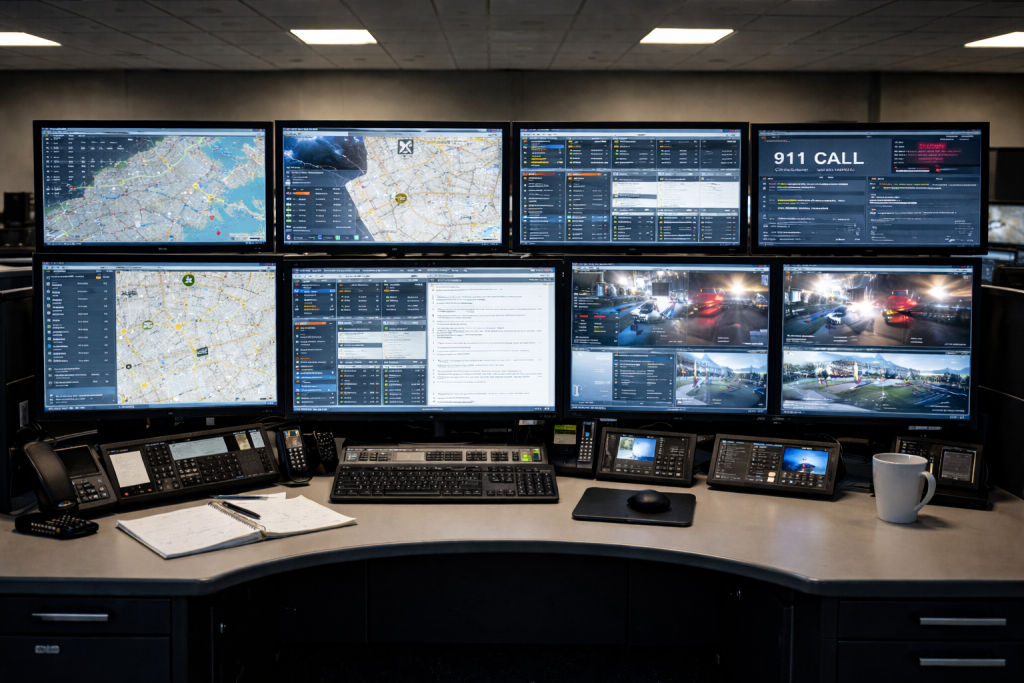
Designed for Real-World Environments
This type of system is especially valuable in environments such as:
- control rooms
- operations centers
- trading desks
- high-performance workstations
In these settings, both organization and usability are critical.
A structured system helps maintain consistency, while individual adjustability ensures that each user can work effectively.
Conclusion: Bring Order to Complexity
Multi-monitor environments don’t have to be difficult to manage.
By combining a structured support system with flexible, adjustable components, it’s possible to create workstations that are:
- organized
- scalable
- adaptable to individual users
Designing with both structure and flexibility in mind leads to better outcomes — not just at installation, but over time.
Learn more about SpaceBeam II →