
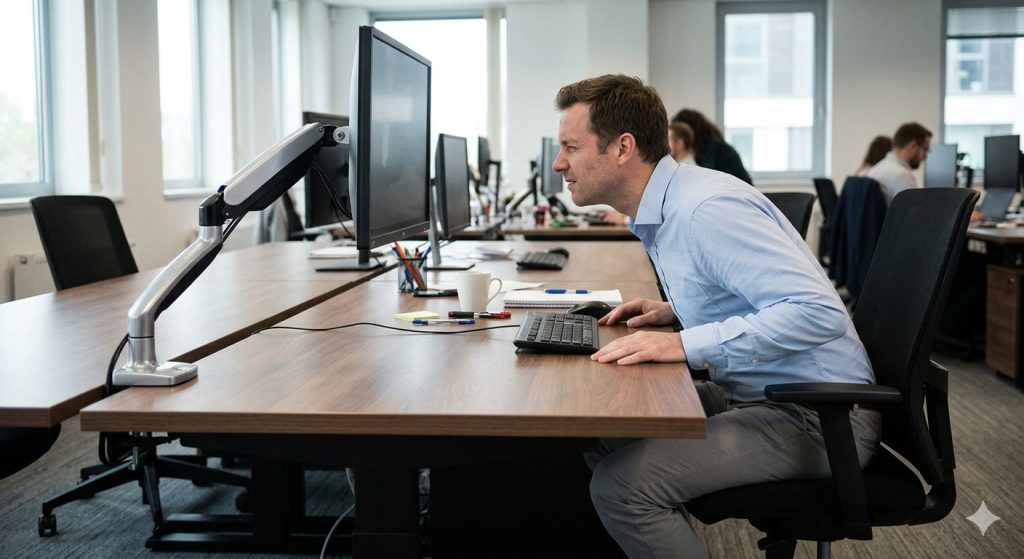
The Problem: Workstations Aren’t Standard
Modern work environments are anything but uniform.
Across an organization, you’ll find:
- different desk sizes
- different user heights
- different monitor configurations
- different workspace layouts
But despite this variability, many monitor arms are designed as fixed solutions.
Why It Matters: Positioning Limitations Add Up
When a monitor arm can’t reach far enough — or can’t be adjusted high enough — users often compensate.
This can lead to:
- monitors positioned too far away
- screens sitting below eye level
- inconsistent setups across workstations
Over time, these small limitations can reduce the effectiveness of ergonomic improvements.
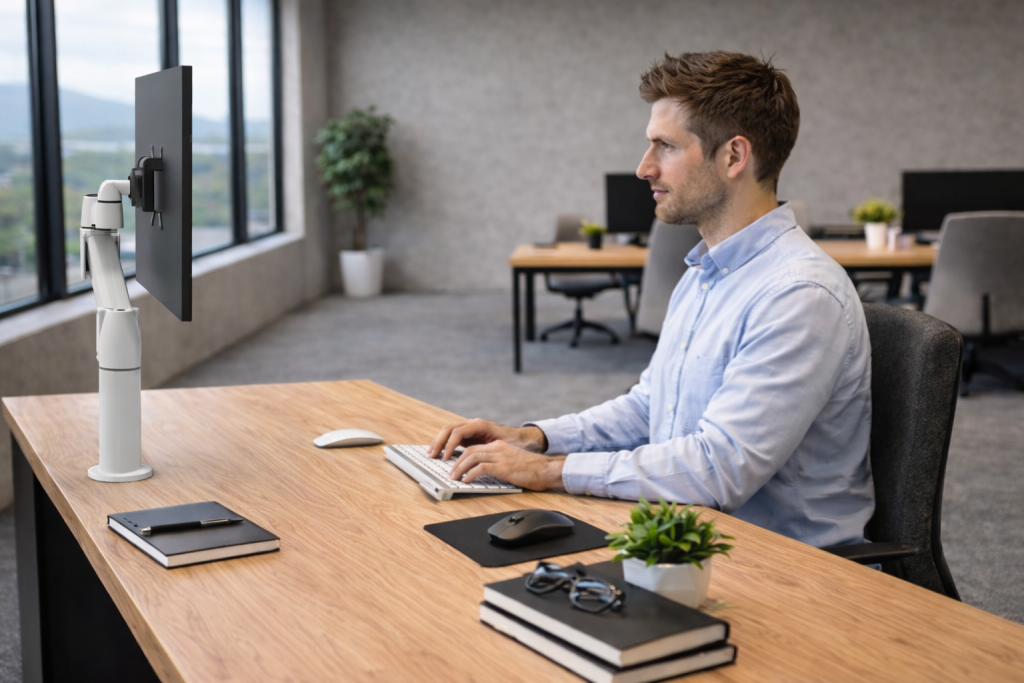
The Challenge: Designing for Variability
In large or complex environments, the goal is often to create consistency.
But consistency doesn’t mean every workstation is identical — it means every workstation works effectively for the user.
To achieve this, solutions need to account for:
- different workspace dimensions
- different user needs
- evolving configurations over time
A Better Approach: Modular by Design
A modular monitor arm system allows each workstation to be configured based on its specific requirements.
With SpaceArm, configurations can include:
- different arm extensions to adjust reach
- different column heights to achieve proper viewing position
- support for single, dual, or multiple monitor setups
This flexibility allows the workstation to adapt to the user — rather than forcing the user to adapt to the workstation.
Beyond Installation: Designed to Adapt Over Time
One of the key advantages of a modular system is that it doesn’t stop at initial installation.
As needs change, configurations can be modified in the field by swapping components such as:
- arm extensions
- column heights
- mounting configurations
This means organizations can:
- adjust existing setups as requirements evolve
- avoid replacing entire systems
- maintain consistency while adapting to new needs
Instead of starting over, the system evolves with the workspace.
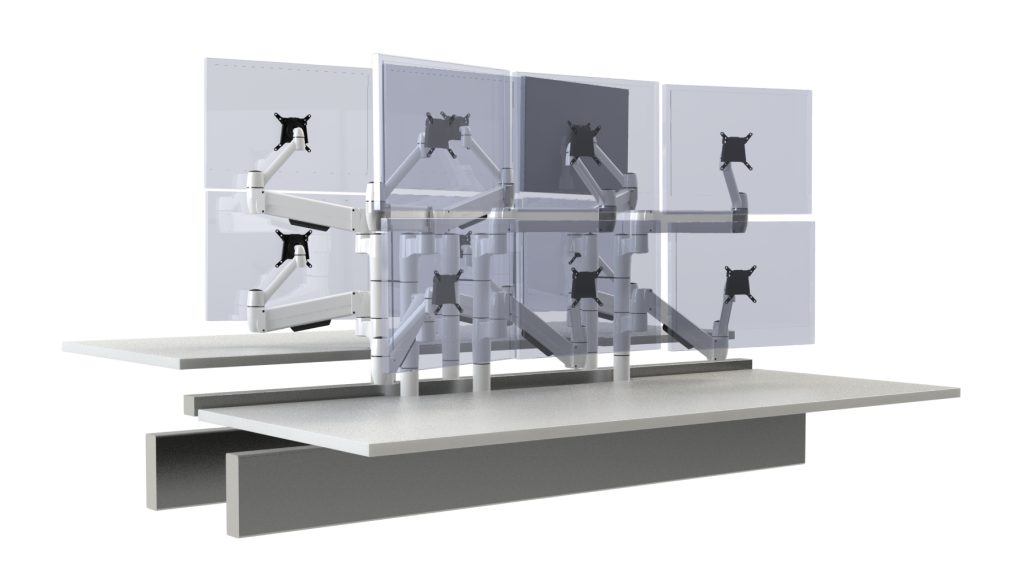
Where This Matters Most
This level of flexibility is especially valuable in environments such as:
- call centers and operations teams
- corporate offices with varied workstation sizes
- shared or hoteling environments
- technology-driven workspaces
In these settings, the ability to adapt quickly can improve both usability and long-term efficiency.

Learn more about SpaceArm configurations →
https://adapt-global.com/en-us/space-arm-single/
Your workstation changed. Do your monitor arms need replacing?
Before starting over, consider whether your existing SpaceArm can be reconfigured. Compatible arm extensions, column extensions, and mounting components may allow you to retain useful equipment while adapting the setup to new requirements.
Whether you’re updating an existing installation or planning a new project, our team can help identify an appropriate configuration.
Use the form below to request configuration support and a quotation. We’ll follow up to discuss your monitor models, workstation details, and what needs to change.
Adapt your setup. Keep your investment.